
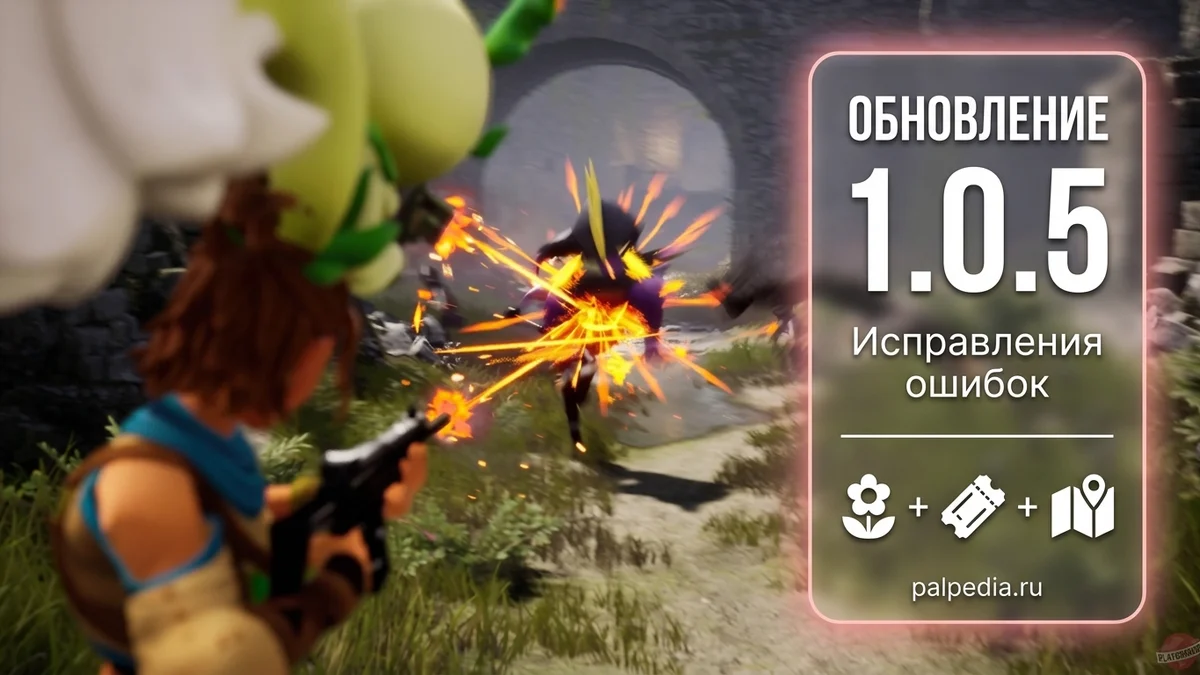
Palworld v1.0.5 patch notes: blurry textures and map filters fixed
Palworld v1.0.5 went live on September 15. After the long 1.0.4, the notes fit into two lines: no balance changes, no new content, just two technical problems that had been bothering part of the player base.
The first one is textures. For some players the ground, rocks, base walls and furniture loaded at a noticeably lower resolution than they should have, so the world looked blurry even on high settings. The second one is the in-game map icon filters: after dying and respawning, some of them turned themselves off and the map opened without the markers you had left visible.
Below is what that changes in practice, followed by the full patch notes word for word in a spoiler.
The short version
- Terrain, building and object textures no longer load at reduced resolution. The bug did not hit everyone, but for those it did hit the world looked blurry at any graphics setting.
- Map icon filters no longer switch themselves off after a respawn: your markers stay where you left them, nothing to set up again.
- Nothing else is in the patch: Pals, items, recipes, missions and world settings were left alone.
- There is nothing to do by hand either — no resetting graphics options, no starting a fresh save.
- Steam pulls the update in on its own. A dedicated server has to match the client version, so servers need updating too.
What it means in practice
The blur was a bug, not a weak graphics card
The symptom was always described the same way: ground, rocks, base walls and furniture look like they are running on minimum settings while the graphics menu says high quality. A co-op partner on comparable hardware gets a crisp picture, you get a smeared one. Then came the usual routine: rework the settings, update drivers, verify files, reinstall the game somewhere else.
Pocketpair confirmed the problem was on their side: for some players textures really were loading at a significantly reduced resolution. The notes do not say why, only that it is fixed. So the plan is simple — update and load your world. If things still look soft, check the texture quality setting and restart the client, but there is no reason to dig any deeper than that.
The map stops hiding icons after you die
The second fix is about the in-game map filters. You decide what to show — fast travel points, towers, your own markers. Then you die, respawn, open the map, and some of the filters are off with the icons gone. It looked worst for new players: it seems like a point was never unlocked or progress was lost, when the display was simply switched off.
The filter panel was already touched last time: 1.0.4 removed a black square at its edge. Now the state of the toggles got its turn. And if you want to see everything at once — ore, chests, eggs, bosses, merchants — our own interactive map puts every type of point on its own layer.
What the patch leaves alone
Balance is untouched: unlock levels, Pal stats, recipes, drops and world settings are all the same. No builds to redo, progression plans and tier lists are still valid, and the database and calculators here show the same numbers as yesterday.
Dedicated server admins still have to update: players can only join from a matching client version. The patch adds no new config keys, so your server settings file can stay exactly as it is.
Palworld v1.0.5 patch notes in full
ExpandCollapse
[Bug Fixes]
- Fixed an issue where terrain, building, and other textures could load at significantly reduced resolution for some players
- Fixed an issue where some map icon filters could unintentionally be turned off after the player respawned